Once it’s done we can start pushing images to this container registry. We need to create a service connection in Azure DevOps to allow the pipeline to talk to the container registry.
Azure Service Connection
Go to Azure DevOps → Project Settings → Service Connections → Docker service connection. Select the correct subscription and the container registry that just got created, in this case it will look like this.
Service connection configuration
Make sure to click on Grant access permission to all pipelines
Azure DevOps pipeline
Create a yaml file called azure-pipelines.yml in the root directory and pasted in the following code:
branches: will trigger build when the selected branches updated
variables
repository: the repository name of the ACR
dockerfile: the Dockerfile location
containerRegistry: the service connection name we just created in the above step
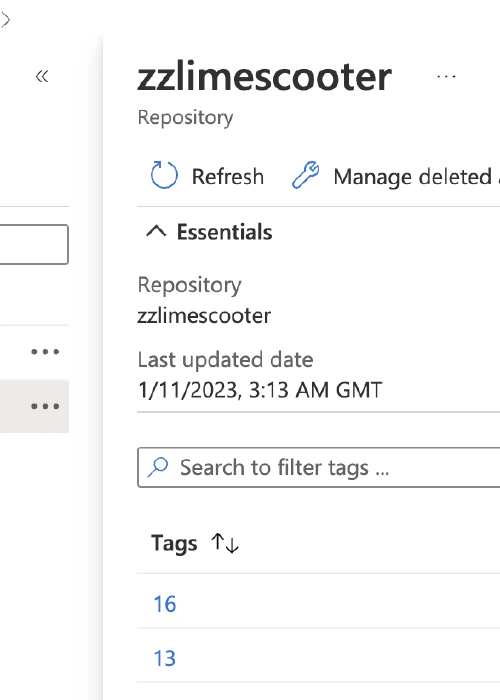
Name the branch test/* or feat/* will trigger run everytime the branch updates. It’s worth noting that the pipeline is not tiggered via open pull request against main, test/* and feat/*. It runs against the branch updates directly. Result of the pipeline will be:
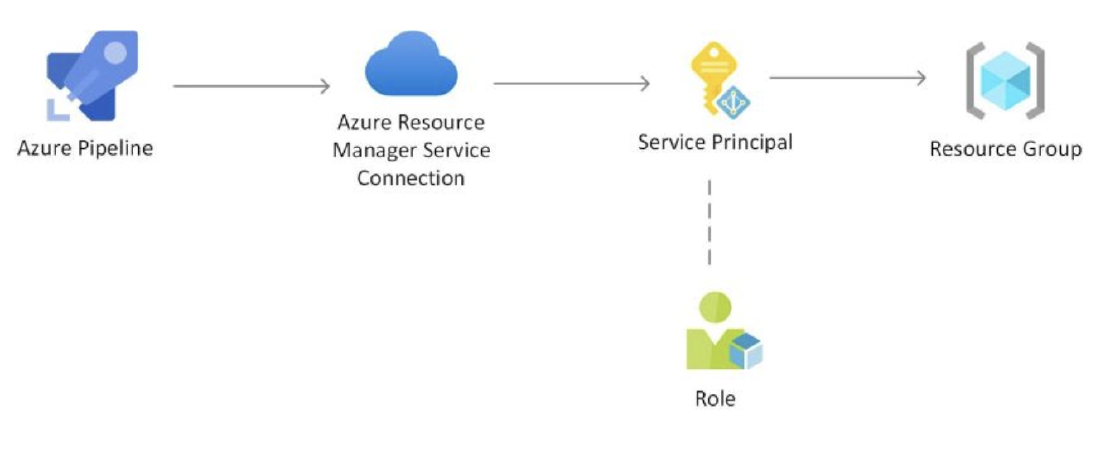
How to Assign a Custom Role to a Service Principal in Azure DevOps Azure DevOps provides a seamless integration with Azure Active Directory (AAD) for …




 Yuru Zuo